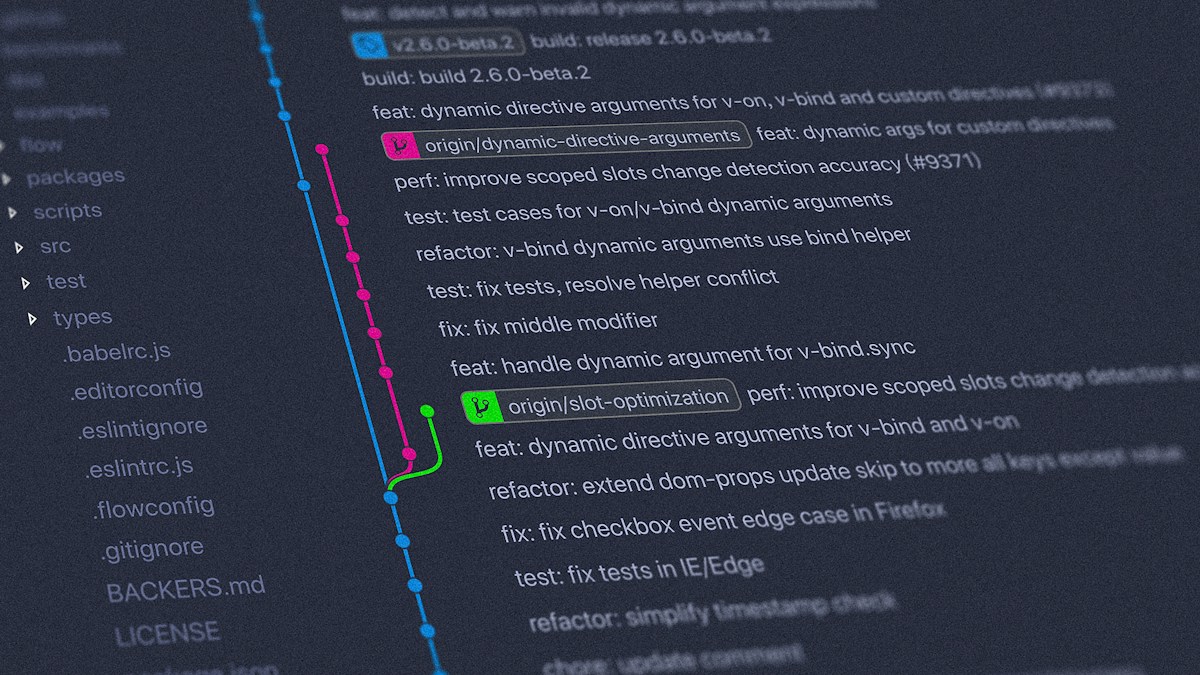
Executive Summary: The Backbone of Global Software Collaboration
Imagine working on a 500-page book with twenty co-authors simultaneously. If everyone edited the same Microsoft Word document on a shared USB drive, chaos would immediately ensue: Author A would overwrite Author B’s chapters, critical paragraphs would vanish without an audit trail, and figuring out who made which modification at 2:00 AM on a Tuesday would be impossible.
In software engineering, where thousands of developers write millions of lines of interconnected code concurrently across multiple continents, this coordination challenge is existential.
Git and GitHub are the foundational technological tools that solve this problem. Git is a distributed Version Control System (VCS) that tracks the exact historical evolution of codebases with cryptographic precision. GitHub is the cloud-hosted platform built atop Git that enables global collaboration, automated Continuous Integration (CI), issue tracking, and peer code review.
Together, Git and GitHub constitute the indisputable operating system of open-source innovation and modern enterprise software delivery.
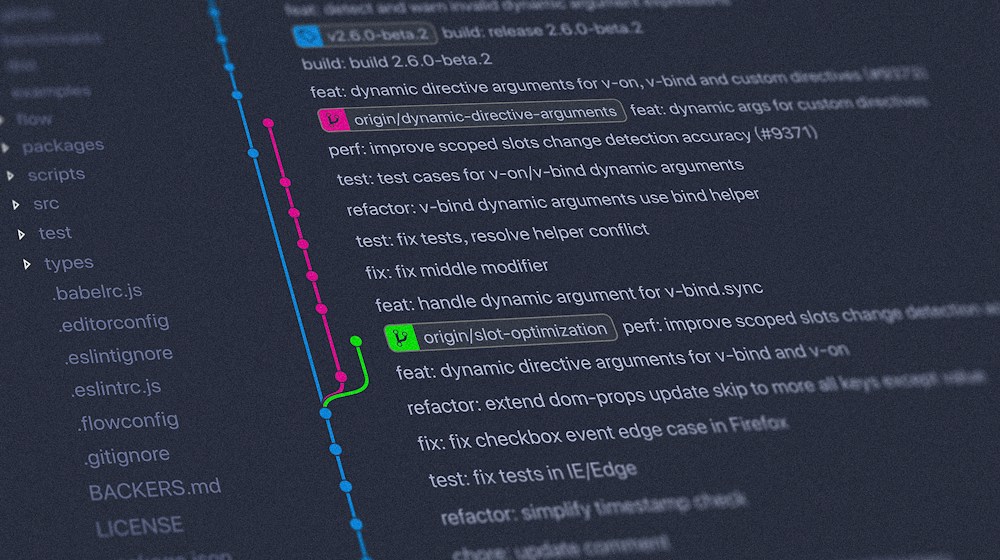 Figure 1: The Directed Acyclic Graph (DAG): Git commit histories branching and merging cleanly.
1. Git vs. GitHub: Clarifying the Fundamental Distinction
Beginners frequently confuse Git and GitHub. Understanding their distinct identities is essential:
+-------------------------------------------------------------------------+
|                           GIT vs. GITHUB                                |
+------------------------------------+------------------------------------+
| GIT (The Local Engine)             | GITHUB (The Cloud Hub)             |
+------------------------------------+------------------------------------+
| - A command-line software tool     | - A commercial cloud hosting       |
|   installed on your local computer |   service (subsidiary of Microsoft)|
| - Created by Linus Torvalds in 2005| - Launched in 2008                 |
|   to develop the Linux kernel      |                                    |
| - Functions 100% offline with zero | - Requires internet connectivity   |
|   internet connection required     |   to synchronize repositories      |
| - Free, open-source software (GPL) | - Proprietary platform (Free/Paid) |
| - Alternatives: Mercurial, SVN     | - Alternatives: GitLab, Bitbucket  |
+------------------------------------+------------------------------------+
In short: Git is the engine; GitHub is the garage where developers showcase, collaborate on, and store their cars.
2. How Git Works Under the Hood: The Three Trees
Unlike legacy centralized version control systems (like CVS or SVN) that track file diffs, Git treats data as a stream of cryptographic snapshots. Internally, a Git repository is a Directed Acyclic Graph (DAG) of immutable objects addressed by SHA-1 / SHA-256 cryptographic hashes.
A developer interacts with Git across three distinct local zones:
+-------------------+      git add      +-------------------+     git commit    +-------------------+
| WORKING DIRECTORY | ===============>  |   STAGING AREA    | ===============>  | LOCAL REPOSITORY  |
|  (Raw files on    |                   |  (The Index -     |                   |  (Permanent Git   |
|    your disk)     | <===============  |   Draft commit)   |                   |    database)      |
+-------------------+     git restore   +-------------------+                   +-------------------+
                                                                                          |
                                                                                          | git push
                                                                                          v
                                                                                +-------------------+
                                                                                | REMOTE REPOSITORY |
                                                                                |     (GitHub)      |
+-------------------+- The Working Directory: The physical sandbox on your filesystem where you actively write and edit files in your code editor.
- The Staging Area (The Index): A preparatory holding area where you select precisely which file changes should be bundled into the next snapshot. This allows developers to craft atomic, logical commits rather than committing everything at once.
- The Local Repository (
.gitdirectory): The permanent, immutable database where Git stores compressed snapshots (commits) along with author metadata, timestamps, and commit messages.
3. The Core Git Command Workflow
 Figure 3: Git internal mechanics: Managing the Working Directory, Staging Index, and Commit Repository.
The daily rhythm of an individual software engineer centers on five foundational commands:
git init and git clone
git init: Initializes a brand-new, empty Git version control repository inside the current local directory, creating the hidden.gitfolder.git clone <url>: Downloads an entire remote repository from GitHub to your local machine, including its complete historical commit graph.
git status and git diff
git status: The inspection dashboard revealing which files have been modified, staged, or remain untracked.git diff: Displays line-by-line colored diffs showing exact additions (+) and deletions (-) across modified files.
git add and git commit
git add <file>: Moves changes from the working directory into the staging area.git add .stages all changes in the current directory tree.git commit -m "Descriptive message": Permanently seals the staged changes into a new immutable commit snapshot. An industry-standard commit message explains why a change was made, not just what changed.
4. Branching and Merging: Parallel Timelines
The true superpower of Git is its frictionless branching model. In Git, a branch is not a heavy copy of all project files; it is simply a lightweight, 41-byte movable pointer pointing to a specific commit hash:
                      [feature-login branch]
                            C --- D
                           /       \   (git merge)
                          /         v
master: A --- B ---------------- M --- E [main branch]- When you create a branch (
git checkout -b feature-login), you branch off the main timeline. You can write code, experiment, delete files, and break things with zero risk to the productionmainbranch. - Once your feature is complete and verified, you merge it back into
mainusinggit merge feature-login. - If two developers modified the identical line of code in different branches, Git pauses the merge and flags a Merge Conflict, empowering developers to inspect both versions and decide which code to preserve.
5. Collaborative Workflows on GitHub
 Figure 2: Collaborative code review: GitHub Pull Requests enforcing CI testing and peer approval gates.
GitHub supercharges Git by transforming version control into an interactive social collaboration platform:
The Pull Request (PR) Ceremony
A Pull Request is a formal proposal to merge a feature branch into the main codebase:
- A developer pushes their local branch to GitHub:
git push -u origin feature-payment. - They open a Pull Request on GitHub describing their architectural changes and linking relevant issue tickets.
- Automated CI/CD Checks (GitHub Actions): Before any human reviews the code, automated test runners execute unit tests, security linters, and build compilations to ensure the code does not break production.
- Peer Code Review: Senior engineers review the diff, comment on specific lines, request refactoring, and debate architecture.
- Once approved, the PR is merged into
mainwith a single click, and automated deployment pipelines release the updated application to production cloud servers.
Essential GitHub Ecosystem Features
- GitHub Issues: Built-in issue tracking, bug reporting, and project management kanban boards.
- GitHub Actions: Powerful, YAML-configured Continuous Integration and Continuous Deployment (CI/CD) pipelines running on cloud runners.
- GitHub Releases: Tagged cryptographic snapshots distributing compiled production binaries and release notes to end users.
Git Best Practices for Professional Engineers
To maintain clean, professional repositories, adhere to these battle-tested standards:
- Commit Early, Commit Often (Atomic Commits): A commit should represent a single logical unit of work. Never combine a database migration, a UI color tweak, and a bug fix in a single giant commit.
- Never Commit Secrets or Credentials: Never commit API keys, database passwords, or
.envfiles to Git. Once committed, credentials live in the repository’s permanent history forever. Always utilize.gitignoreto exclude sensitive files. - Write Imperative Commit Messages: Use the standard convention: “Add user authentication endpoint” or “Fix memory leak in image parser”, rather than past-tense “Added” or vague “Fixed bugs”.
- Protect the Main Branch: In GitHub settings, enable branch protection rules requiring at least one peer approval and passing CI status checks before any code can be merged into
main.
Conclusion: The First Essential Skill of Every Developer
Technologies, programming languages, and web frameworks trend and fade with regularity. Yet through every industry cycle over the past two decades, Git and GitHub have remained the unyielding constant. Whether you are an open-source contributor submitting a patch to Python, an enterprise engineer building cloud-native microservices, or a researcher training generative AI models, mastering Git is the foundational, indispensable literacy of the digital software century.
Advanced Git Workflows, Monorepo Management, and GitOps
Beyond basic commit and merge operations, modern software teams rely on advanced Git mechanics to manage complex codebases with hundreds of daily contributors.
Trunk-Based Development vs GitFlow
Historically, enterprise teams adopted GitFlow, maintaining long-lived develop, release, and feature branches. However, long-lived branches frequently trigger harrowing merge conflicts and slow deployment velocity.
Modern high-velocity engineering organizations overwhelmingly favor Trunk-Based Development:
- Developers create short-lived feature branches that live for less than 24 to 48 hours.
- Code is merged into the main trunk continuously via small, thoroughly reviewed Pull Requests.
- Unfinished features are safely isolated using Feature Flags (such as LaunchDarkly or Unleash), enabling continuous deployment to production without exposing incomplete functionality to end users.
+--------------------------------------------------------------+
|            Trunk-Based Development with Feature Flags        |
+--------------------------------------------------------------+
| Main Trunk: ==========================================> Prod |
|                \      /             \      /                 |
| Feature Branch: \====/ (Merged <24h) \====/                  |
| Feature Flagged: [FLAG: OFF] --------> [FLAG: ON] (Gradual)  |
+--------------------------------------------------------------+
The Rise of GitOps for Infrastructure Delivery
In modern cloud environments, Git serves as the single source of truth for infrastructure and application state through GitOps (using tools like ArgoCD or Flux). Instead of human engineers executing manual CLI commands against production Kubernetes clusters, declarative configuration files stored in Git describe the desired state. Specialized operators running inside the cluster continuously monitor the Git repository and automatically reconcile any drift, ensuring deterministic and auditable deployments.

What Is API and How Does It Work?
A comprehensive guide explaining Application Programming Interfaces (APIs), REST vs GraphQL vs gRPC, JSON payloads, HTTP status codes, and API security.

Frontend vs Backend Development: Understanding the Difference
A comprehensive architectural comparison between client-side frontend engineering and server-side backend systems, exploring tech stacks, responsibilities, and career paths.
Understanding Web Frameworks and Their Importance
An analytical breakdown of modern web frameworks, evaluating client-side SPAs, server-side rendering, routing paradigms, architectural patterns, and performance economics.